New Mini Collection for Ricoh GR III: The Adventure Collection

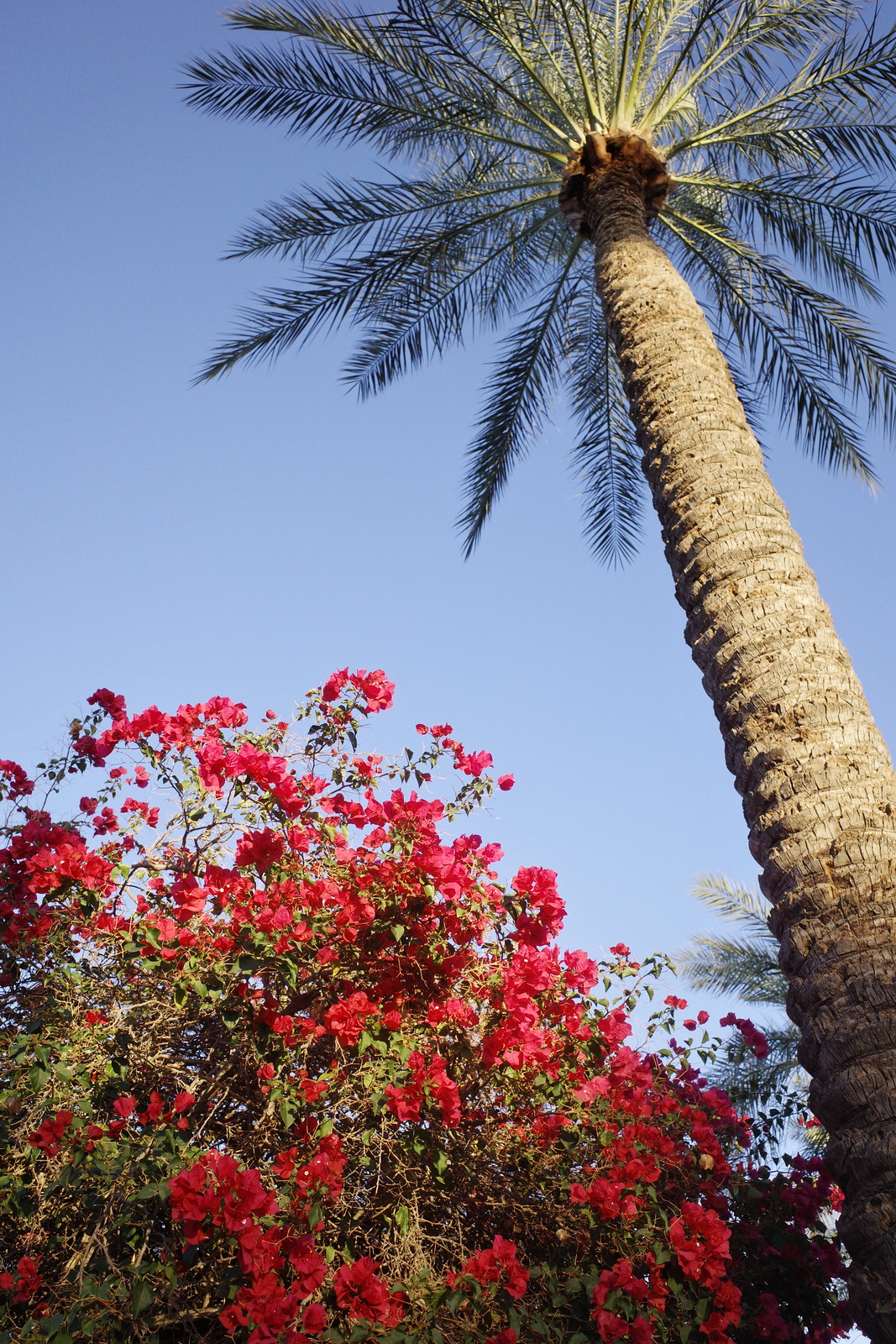
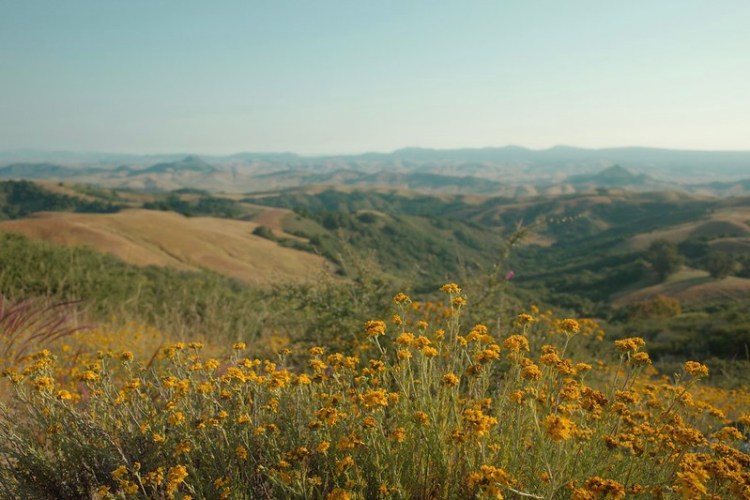
Ferrania Solaris Recipe in The Adventure Collection

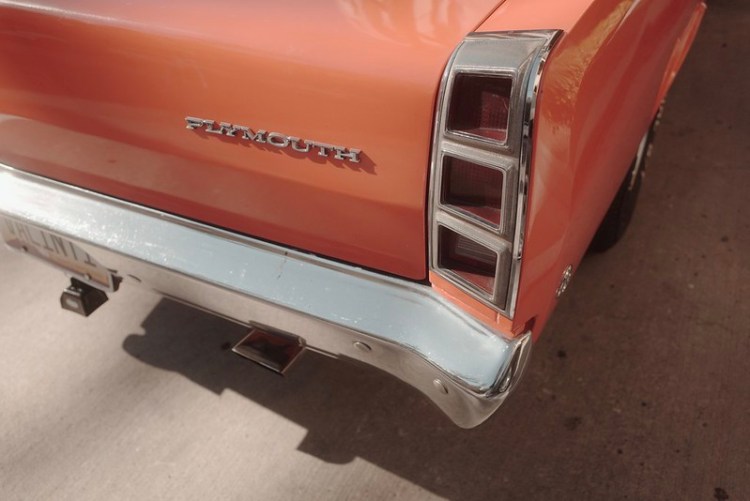
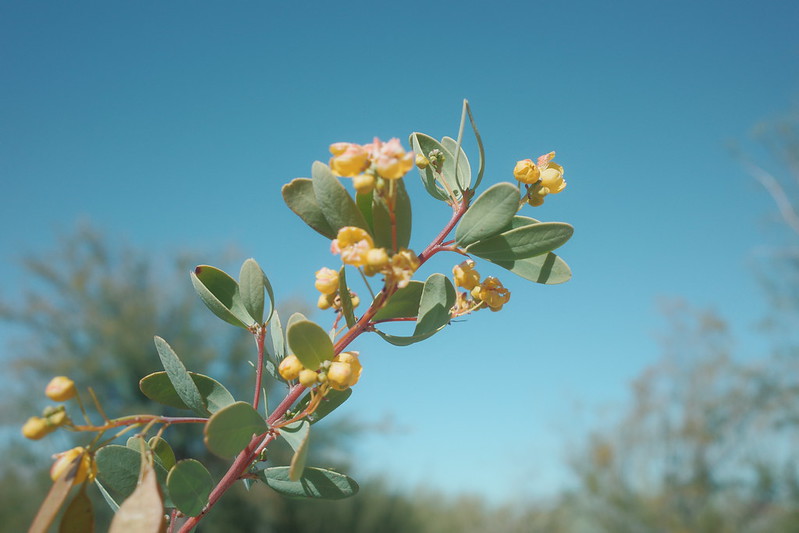
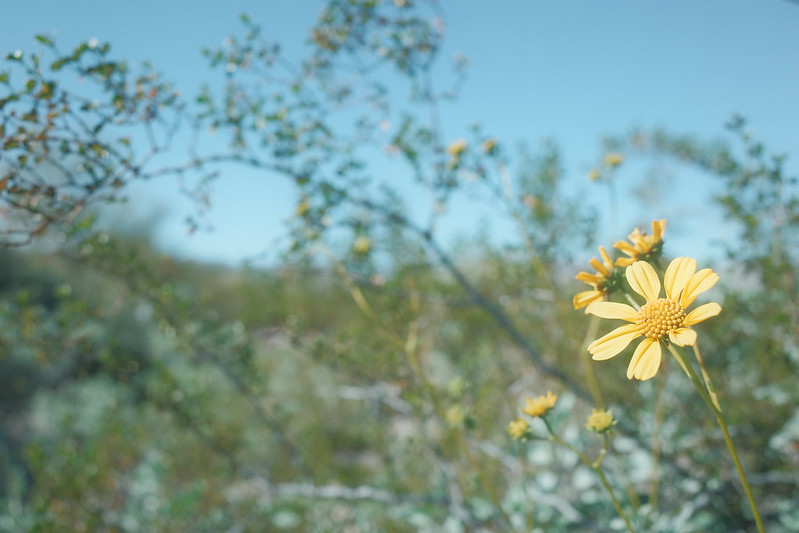
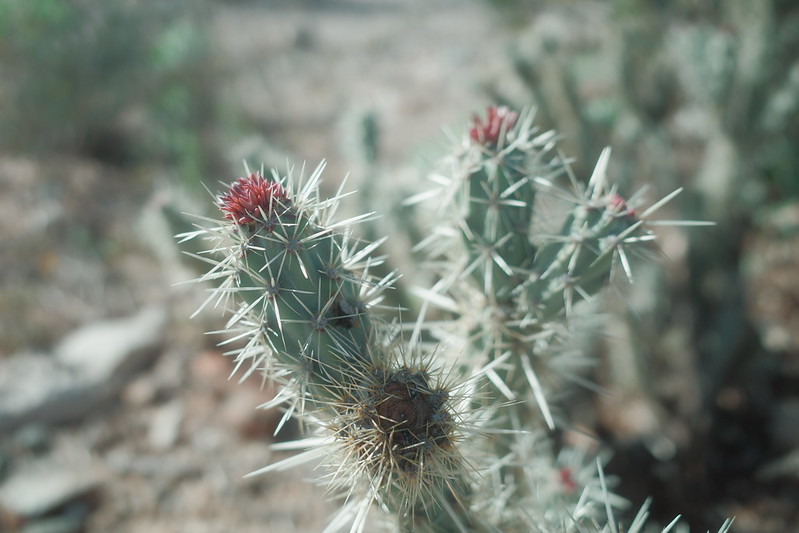
I just published a mini set of three brand-new Recipes for the Ricoh GR III and GR IIIx cameras, called The Adventure Collection. Typically, a Recipe Collection consists of six Recipes—five are free and publicly available to everyone, and one is for App Patron subscribers only. The Adventure Collection only has three Recipes, all freely available to everyone.

The three Recipes are Kodamax, 1986 Negative, and Ferrania Solaris. I wanted to get these out before Christmas, not only as a holiday gift to you, but because I want to get some Ricoh GR IV Recipes out soon (I’ll get more into this in a future post). Instead of completing a full six Recipe set, it’s a half-size mini Collection. I hope that you don’t mind.

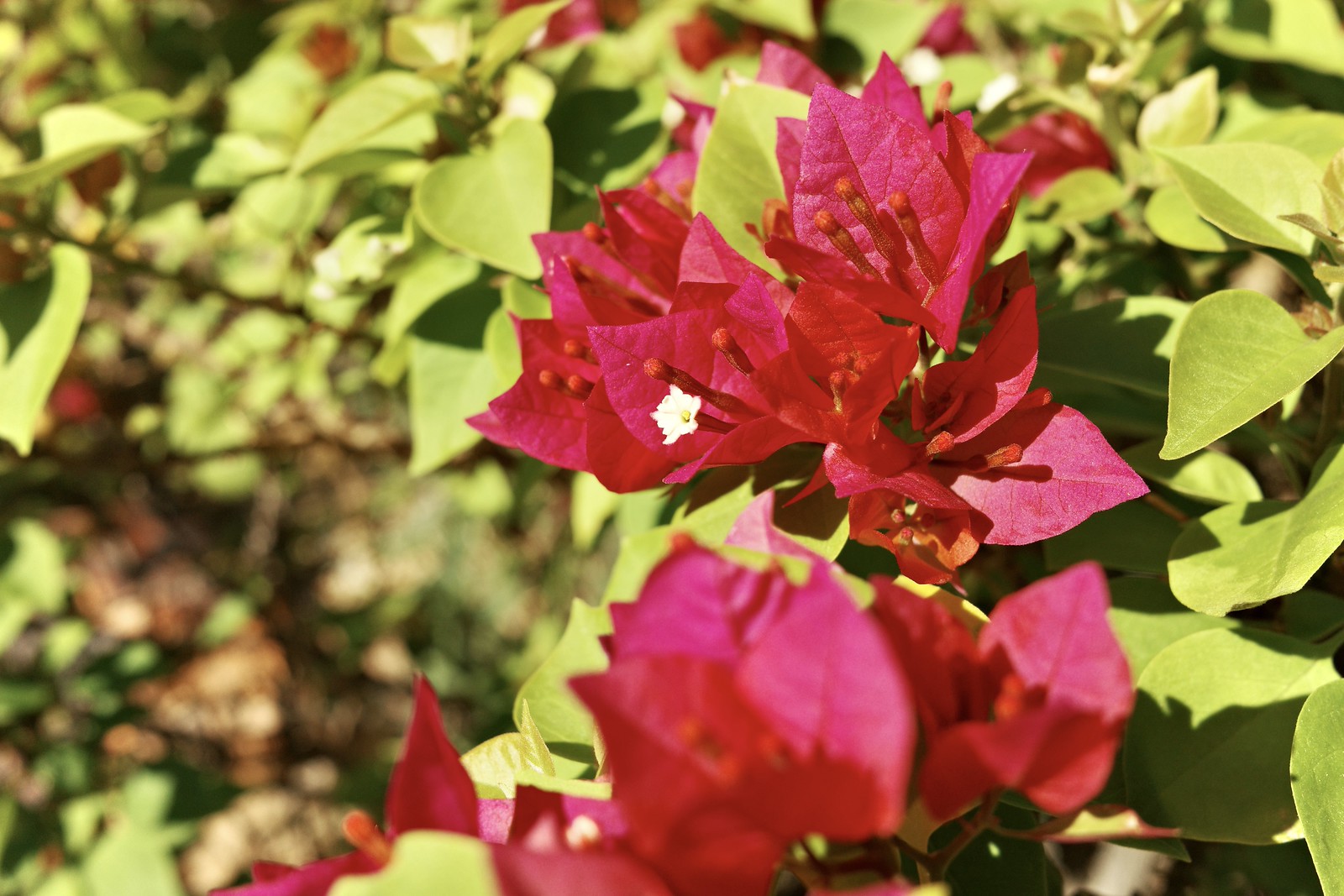
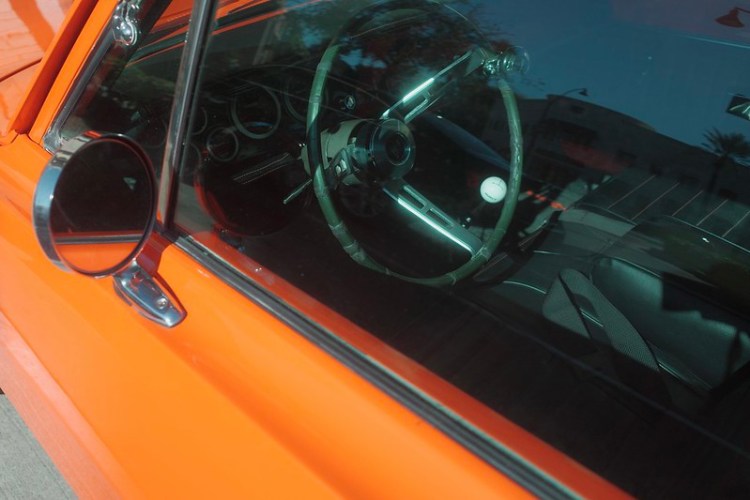
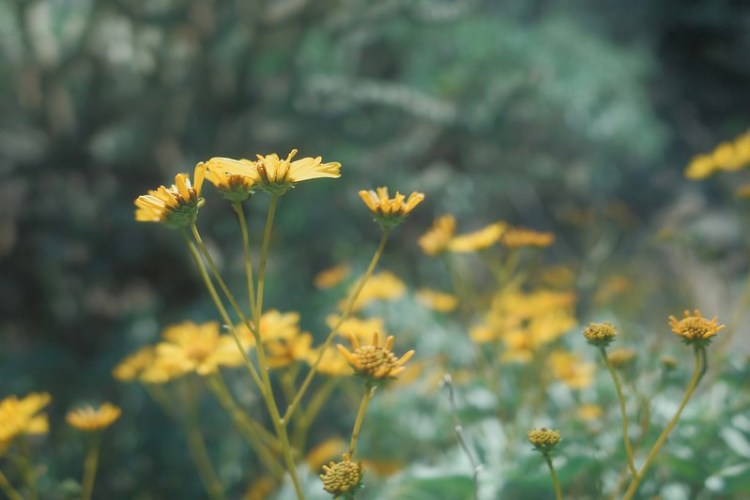
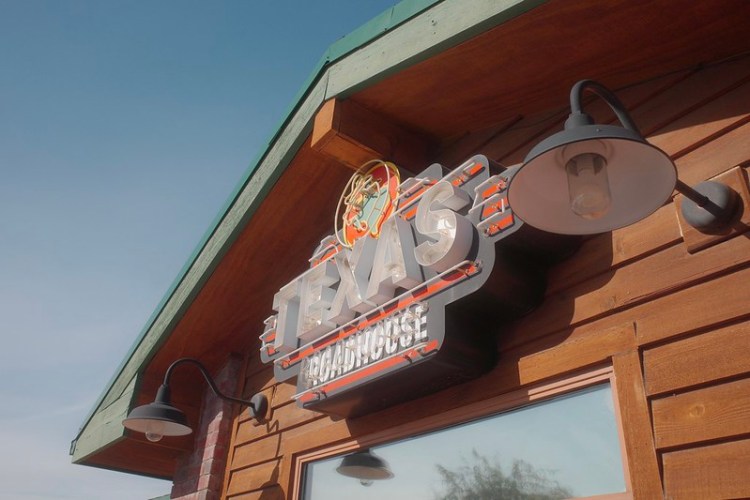
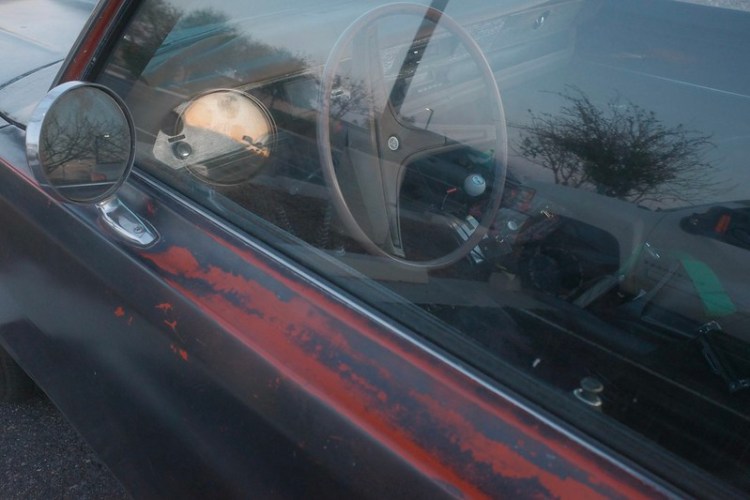
Below are a few example pictures. Be sure to visit The Adventure Collection page to see all of the photos, and to get the Recipes. You can also find these in the Ricoh Recipes App.

Kodamax Recipe in The Adventure Collection
1986 Negative Recipe in The Adventure Collection
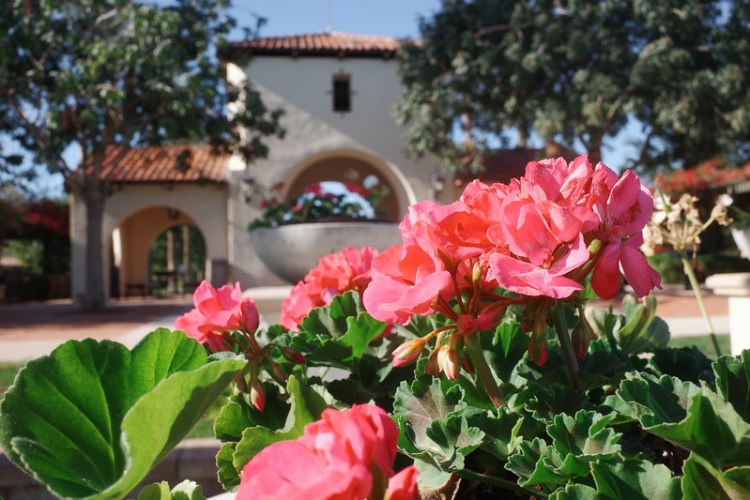
Ferrania Solaris Recipe from The Adventure Collection

My Ricoh GR IV Arrived + First Recipe Test

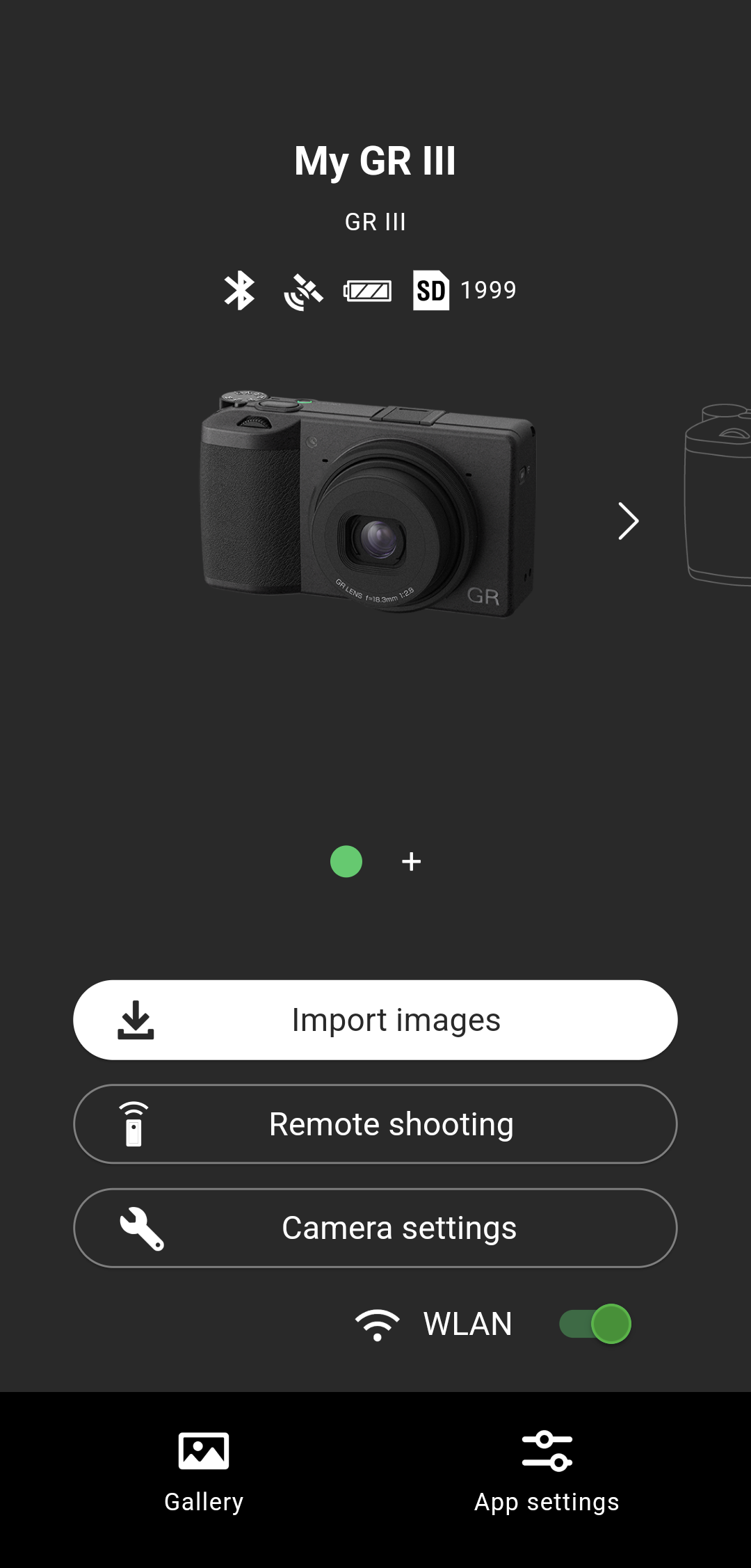
My Ricoh GR IV, which I preordered right after the announcement, finally arrived. So far, so good. I had a little trouble with the new Ricoh World app, but it’s all working fine now. I haven’t had a chance to test out the camera enough yet to draw too many conclusions.

After the initial setup, the first thing I did was to test a GR III Recipe, and compare it to the GR IV. Technically speaking, the GR III/IIIx Recipes are fully compatible with the GR IV. The cameras share the same settings. The GR IV has two new effects: Cine Y and Cine G, which both look promising. It also has a Grain option for Positive Film, Negative Film, the two new Cinema effects, and all of the B&W options. Grain has three size and intensity options. Aside from that, the settings seem the same.

I noticed with my initial test, though, that the image rendering with identical settings did not produce identical results. My initial test was with the Americana Color Recipe from The Road Trip Collection, and the GR III and GR IV produced noticeably divergent results. Let’s take a look!

Americana Color Recipe on a Ricoh GR III
Americana Color Recipe on a Ricoh GR IV
Americana Color Recipe on a Ricoh GR III
Americana Color Recipe on a Ricoh GR IV

There are some obvious differences. First, the GR III has a little more of a greenish tint, while the GR IV has a little more reddish tint. This makes the GR IV images seem warmer. Not a massive difference, but a difference nonetheless, which is quite noticeable when comparing side-by-side. Most likely (and I’d have to play with this a little more) a small White Balance Compensation adjustment should get it closer. The other obvious difference is that the GR IV is slightly brighter. It seems like less than a third of a stop, and it might be that a High/Low Key adjustment will get the GR IV more inline with the GR III (again, this is something I’ll have to look into).

This is just one Recipe. I’ll have to do more tests to see what’s the same and what’s different, and what can be done to get them to be more similar, for all of the Recipes. I have a lot of work to do on all this, so it might take some time. My best advice for the moment is to use GR III Recipes on the GR IV, and just know that the results are a little different. If you want to add some Grain where applicable, by all means do so—personally, I like grain in my images.

New: Ricoh GR IV

Ricoh just released the brand-new GR IV. As far as I understand, it’s pretty much exactly the same as the GR III, and yet completely different. I know that doesn’t make much sense, but it’s been revamped inside and out—new sensor, new processor, new IBIS, new lens, new build construction—yet it’s still very similar to the “old” model. At a cursory glance, it’s almost identical, which is expected. I’m not sure if it’s worth upgrading from the GR III—especially with the $1,500 MSRP—but I’m sure there are improvements across the board that might make you consider. I haven’t used one or seen it in person, so I can’t give my opinions at this time, but I did preorder the Ricoh GR IV. I have no idea if the GR III and IIIx Recipes will be compatible with the new camera (my assumption is yes)—that’s something I plan to find out once it arrives in the mail.

Preorder the Ricoh GR IV at B&H

Ricoh Releases new App

Ricoh just released a new app for both Android and iOS called GR World, which allows you to download photos and remotely control the camera. This is supposed to be an improvement over their previous app, which did pretty much the same things, but was considered only so-so. I haven’t tried the GR World app yet personally, but I’m sure I will soon. It seems like a pretty good improvement.

Ricoh Recipes App Update!!

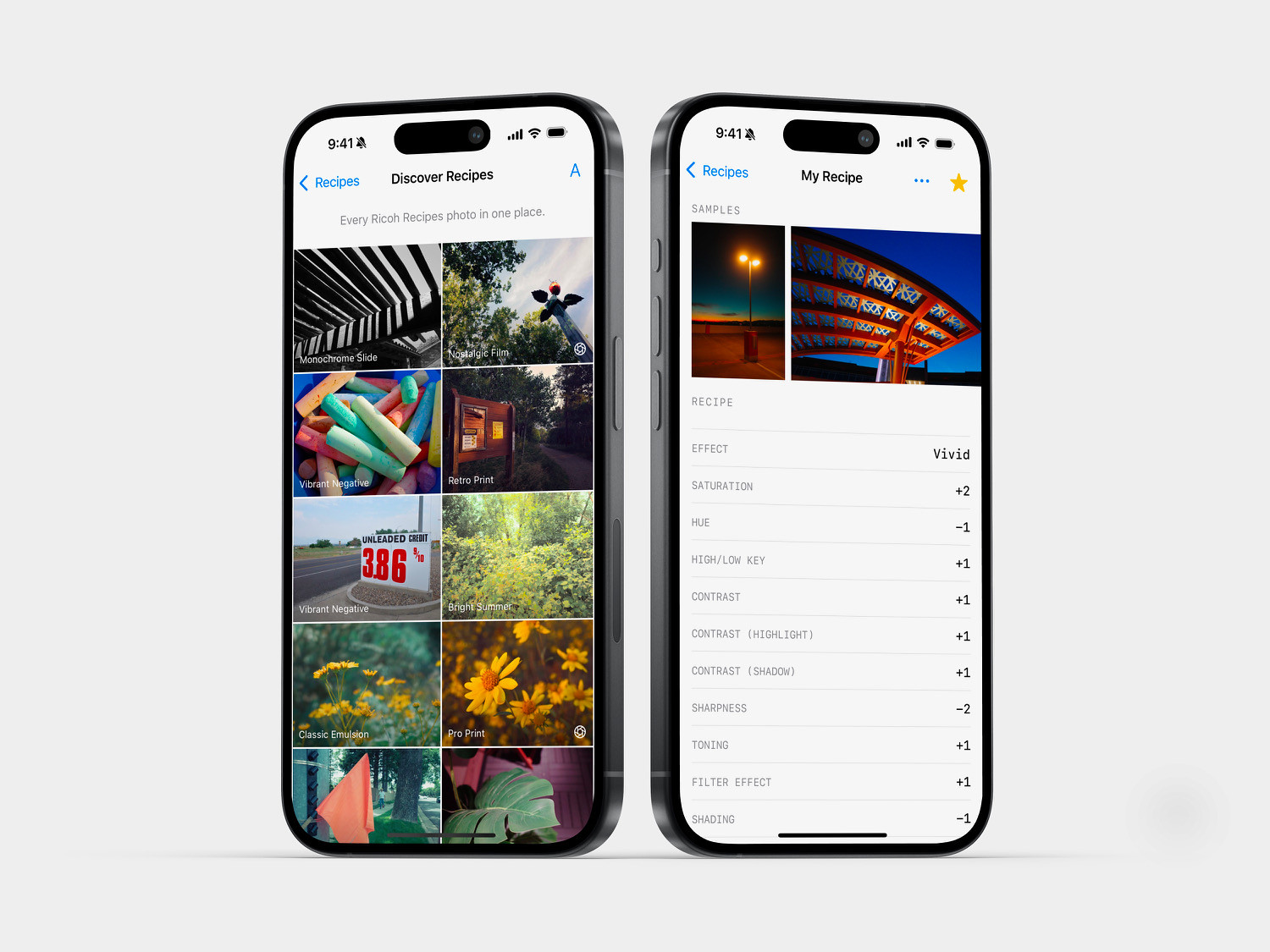
I just released a pretty significant Ricoh Recipes App update! There are several exciting improvements and new features that you’ll want to be aware of. If you don’t already have the App on your phone and you have a Ricoh GR, GR II, GR III or GR IIIx, you’ll want to download it for free today—consider becoming a Patron subscriber to unlock the best App experience, including premium features and some bonus Recipes.

The first new feature is Custom Recipes, which are blank Recipe cards that allow you to input your own Recipes into the App. The Custom Recipes feature is designed to be intuitive yet versatile—most of the fields have dropdown menus or +/- buttons; however, they are also free-form text fields, so you can enter whatever information you’d like. Custom Recipes is integrated into Filtering, Favoriting, Random Recipes, and the Selected Recipe Widget. If you enjoy making your own Recipes, Custom Recipes is something you’re going to love. Note: Custom Recipes require a Patron subscription to unlock.

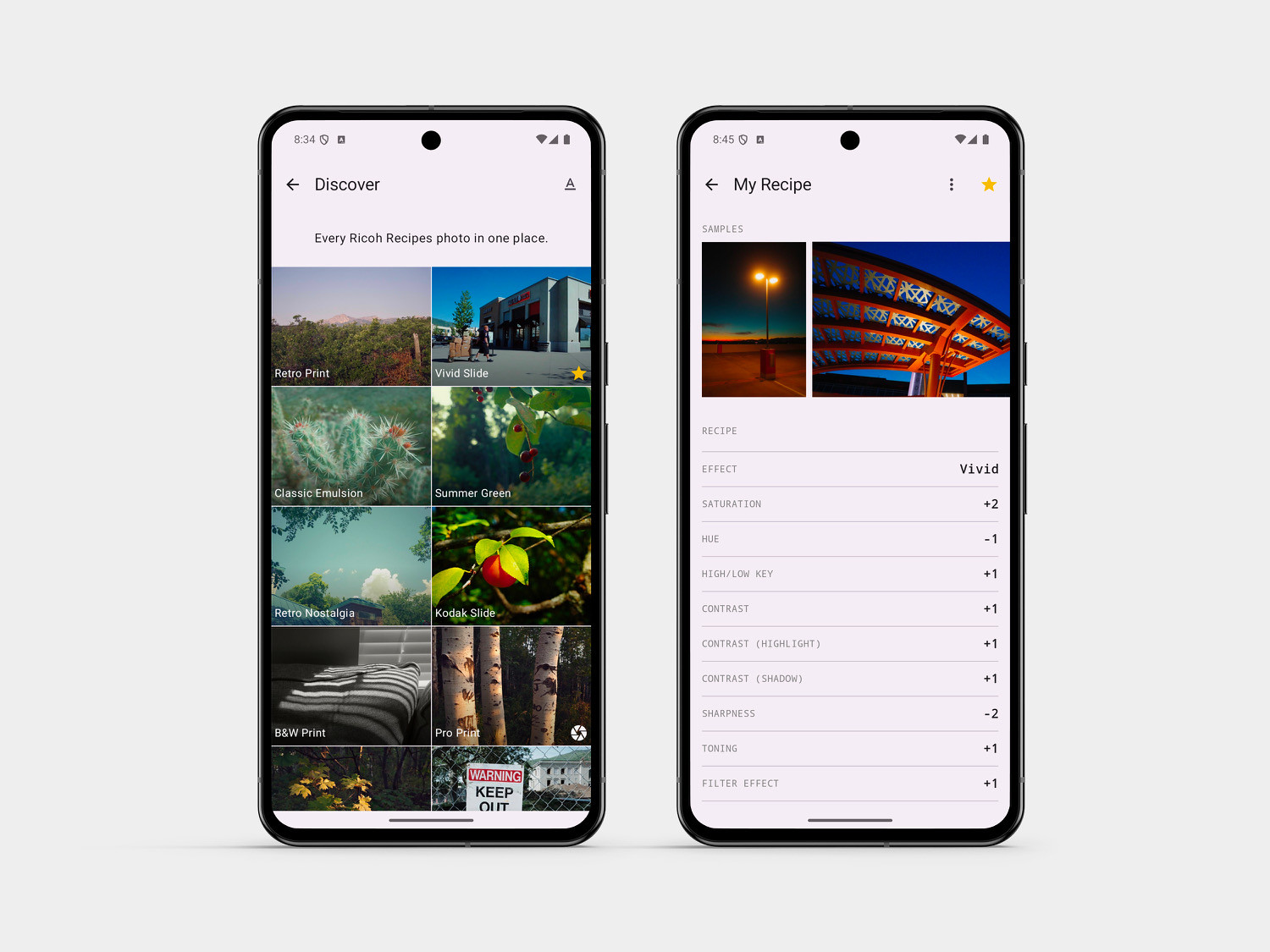
Next is Discover Recipes, which is a fun new way to browse Ricoh Recipes. Not sure which one to try? Scroll through the example photos, and if you find a picture aesthetic that you like, tap the image to be taken to the Recipe. Discover Recipes is available to everyone; since it works with Filtering, it can be even more useful to Patron subscribers.

Last but certainly not least is Backup/Restore. You can save a backup file of all your Custom Recipes, Favorites, and Notes. You can restore that file later, and you can also send the file to another device and restore it there. If you want to ensure your inputs are not lost, if you want to share those with another device, or if you are upgrading to a new device, Backup/Restore is the way to do it. This is a manual feature, and it does not work automatically. Note: if you restore a backup file and there were inputs not saved in that backup file, those will be lost—restoring the backup file will override the current data.

There were also a lot of behind-the-scenes changes that you are not likely to notice, but should make the App operate more stable and smooth. Overall, there are a lot of things, both big and little, that make this update quite significant. Whether you use the Ricoh Recipes App for free, or if you are a Patron subscriber, you’ll likely notice some positive changes that I hope you like. Also, this update is made possible by the App Patrons, so I want to give a big “Thank you!” to all of the Ricoh Recipes Patron subscribers—your support is appreciated more than you can know.


New: Ricoh Recipes App Widgets!

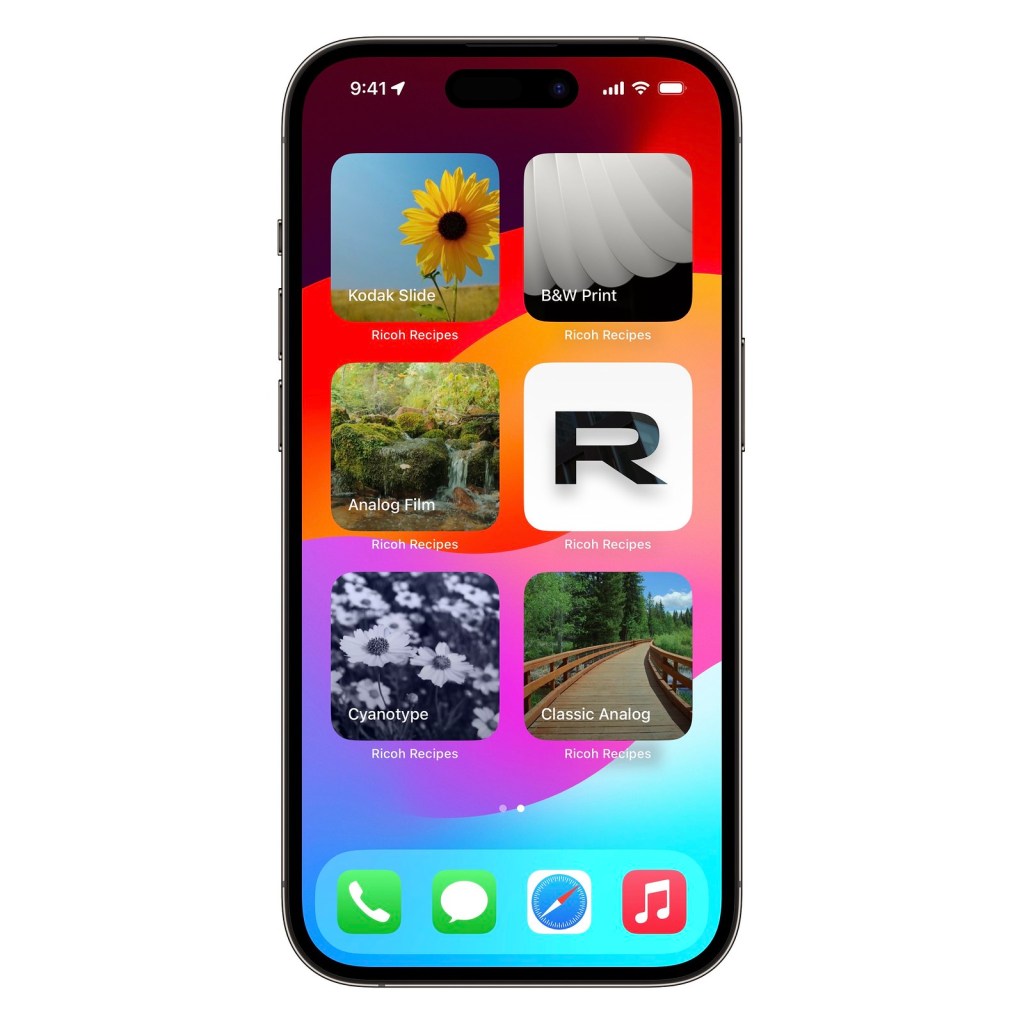
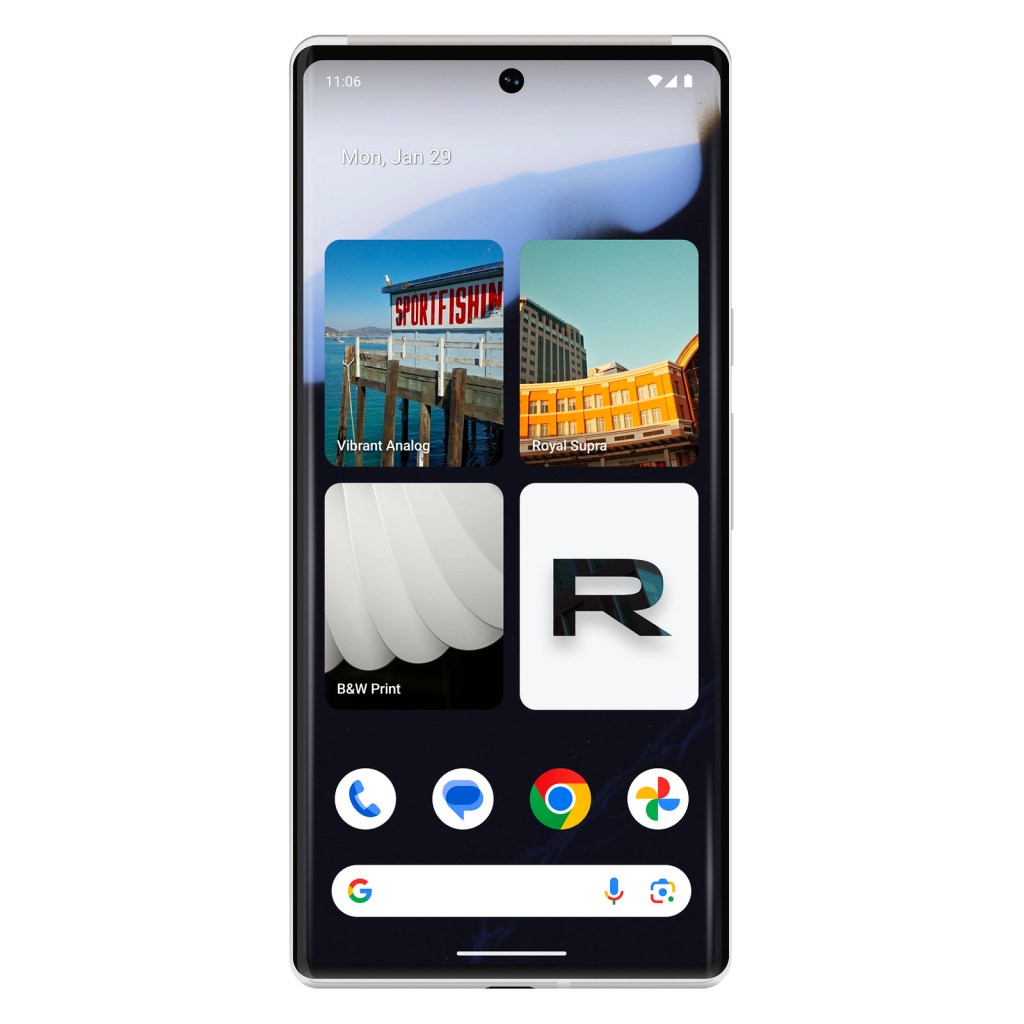
Introducing Widgets for Ricoh Recipes! This is a fun, new way to interact with the Ricoh Recipes App.There are three options: Recipe of the Day, Selected Recipe, and The Big R. These Widgets will soon take over your phone!

The Recipe of the Day Widget gives you a random Recipe each day. This is great if you’re not sure which one to use, or just want to try a different option. The Selected Recipe Widget is a shortcut to any Recipe of your choosing. Once you add this Widget, you’ll have to long-press on it and choose Edit Widget to select the Recipe you want to associate with it. The Big R is a larger Ricoh Recipes App icon, in case the standard-sized one is too small.

You can add as many Widgets as you’d like. You can have Recipe of the Day, The Big R, plus 10 (or more!) Selected Recipe Widgets if you wish. You can have page-after-page-after-page of Widgets if you want to—as many or as few as you think are helpful to you. If you are not sure how to add Widgets to your iPhone, click here; if you’re not sure how to add Widgets on Android, click here. Make sure that the Ricoh Recipes App has been updated, and that you’ve opened it at least once after the update and prior to attempting to add Widgets to your device.

Don’t have the Ricoh Recipes App? Download it for free today! Consider becoming a Patron to unlock the best App experience and to support this website.

Introducing the Analog Collection of Recipes!

Ricoh GR III + Vibrant Nostalgia Recipe

My Christmas gift to you is The Analog Collection! These six new JPEG Recipes are for the Ricoh GR III and GR IIIx cameras, and will produce results that are reminiscent of analog film.

In late-summer I began working on a new Recipe Collection for the GR and GR II, but not very far along in the process my camera stopped working. I was really bummed out about this, but sometimes that’s the reality of using older gear. I really wanted to add more Recipes for the GR and GR II before returning to the GR III and GR IIIx, but circumstances prevented that from happening. So I pivoted, and in October began working on Recipes for the newer models.

A month later, Reggie Ballesteros contacted me and asked if I’d like to include his new Recipe, called Reggie’s Color Negative, in the Ricoh Recipes App. His timing was perfect! You can learn more about this Recipe in his YouTube video below:

I tried out Reggie’s Color Negative Recipe and really loved the results. He recommends using a 10% CineBloom filter with it; however, I did not use a diffusion filter with my photographs. It’s a real honor to include Reggie Ballesteros‘ Recipe on this website and in the App! I know that you’re going to love it.

There are four other Recipes in the collection, plus a bonus Recipe that’s only available in the App for Patron subscribers. Becoming a Ricoh Recipes App Patron unlocks the best App experience, plus includes access to a bonus Recipe from each Collection. The four Recipes (in addition to Reggie’s Color Negative) that are free to everyone are Positive Film, EktaColor, Vibrant Nostalgia, and B&W Film. The bonus App Patron Recipe is Kodak Summer.

Below are examples of each of these six new Recipes:

Positive Film Recipe
Reggie’s Color Negative Recipe
EktaColor Recipe
Vibrant Nostalgia Recipe
B&W Film Recipe
Kodak Summer Recipe

The Analog Collection

Ricoh GR III Monochrome

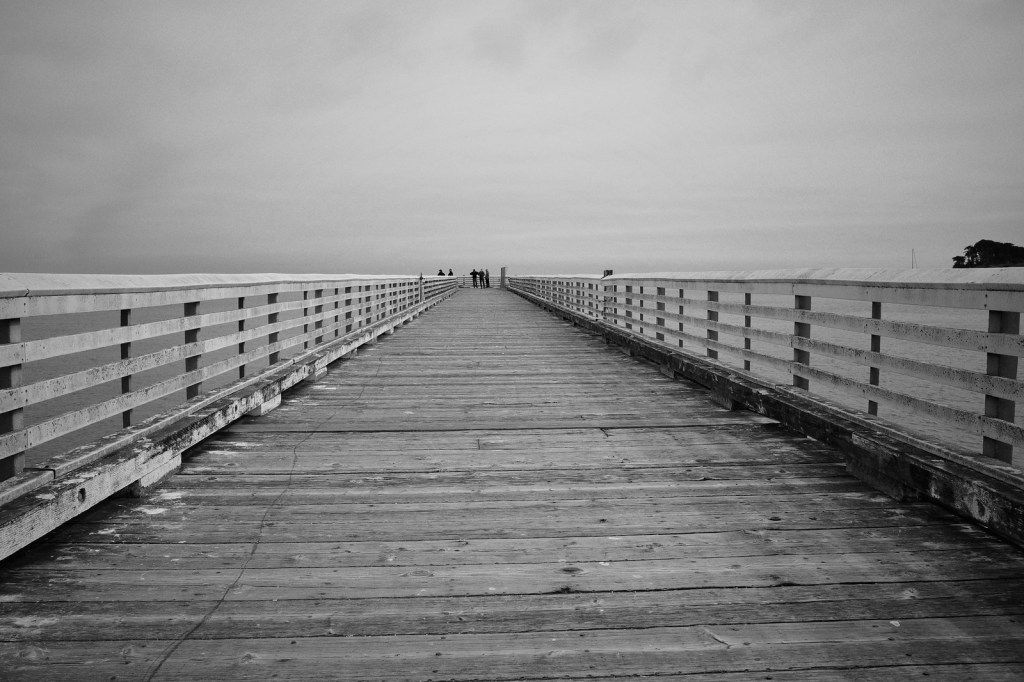
Ricoh GR III — Monochrome Film Recipe — San Simeon, CA

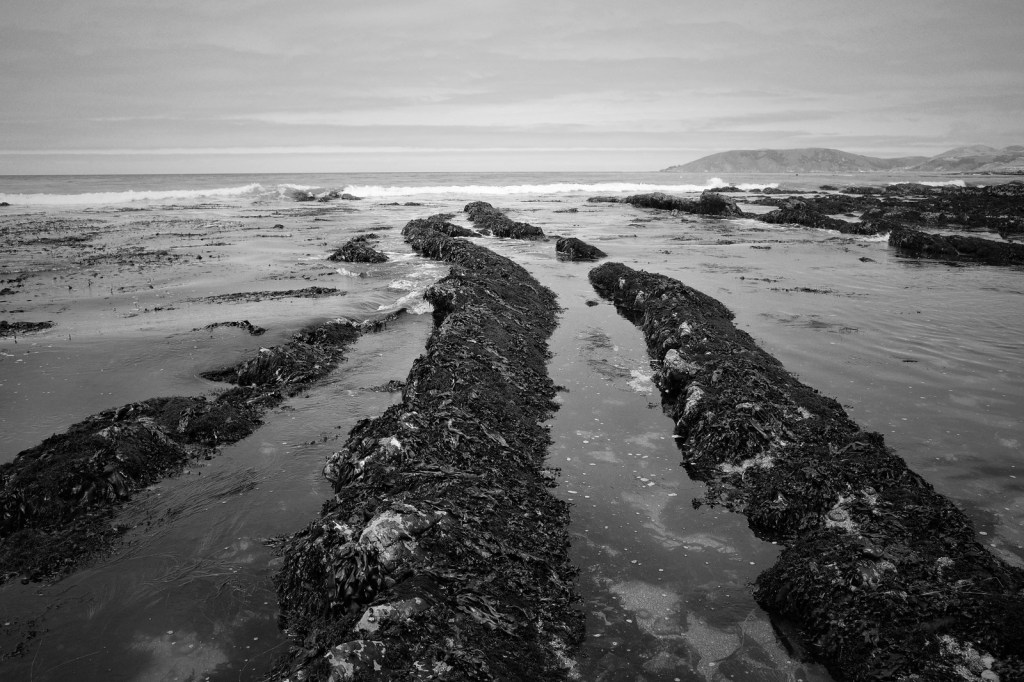
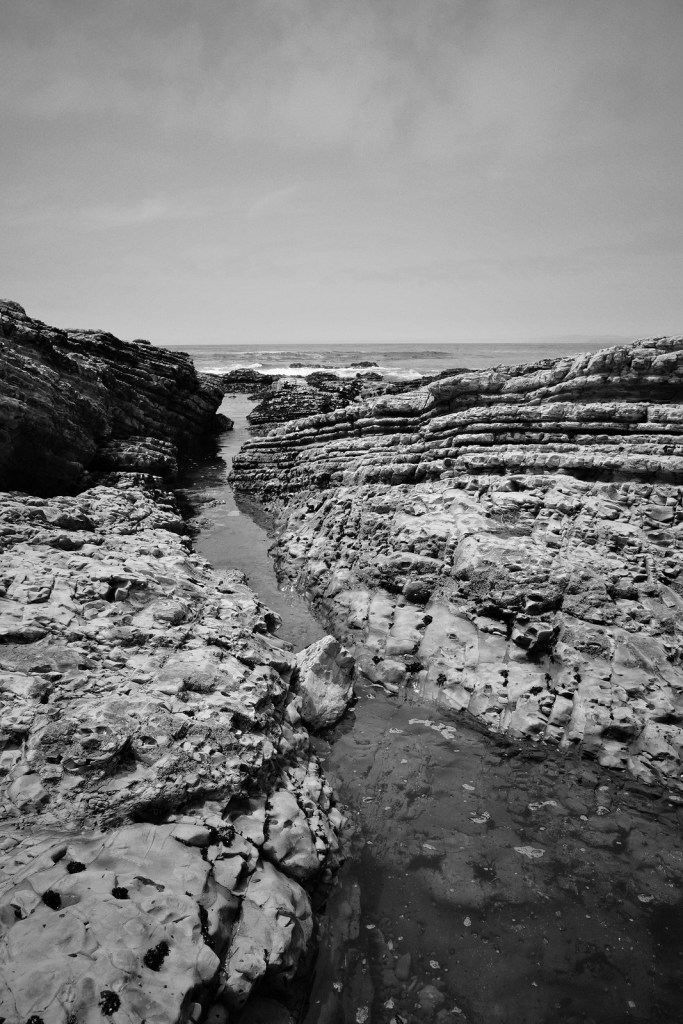
I visited the central coast of California last month, and I used my Ricoh GR III as a monochrome-only model. The only Recipes that I had programmed into the camera were black-and-white, and the only one that I actually shot with was Monochrome Film. This, along with all my other Ricoh Recipes, can be found in the Ricoh Recipes App, available for both Android and Apple—download for free, and consider becoming an App Patron subscriber to unlock the best App Experience and to support this website.

Anyway, I realized while on this trip that I really enjoy using the Ricoh GR III as a monochrome-only model. It was a lot of fun, and I appreciate the results. Pentax, of course, recently released the Pentax K-3 Mark III Monochrome, which is a black-and-white-only DSLR. The obvious question is, will there be a monochrome model of the GR III? I don’t know, but I sure hope that there will be! I think there would be a lot of interest in it, and it would create quite the buzz. I’d be first in line to buy it.

The benefits of a black-and-white-only sensor are an increase in perceived resolution (better fine-detail rendering), more dynamic range, and better high-ISO performance. Why? On a traditional Bayer sensor, only half of the light-sensitive sensor elements are recording luminosity information, while the other half are recording color information—the software guesses what the luminosity information should be for those pixels based on the surrounding ones (and likewise for color information). That means half of your picture is a guess. With a monochrome sensor, the entirety of it is capturing luminosity information, taking the guesswork out of it. That’s oversimplified, but you get the idea.

In the meantime, until Ricoh releases a monochrome version of the GR III (if they ever do), I can still use the regular model to capture great black-and-white photographs, with Recipes like Monochrome Film.

Ricoh GR III — Monochrome Film Recipe — Morro Bay, CA
Ricoh GR III — Monochrome Film Recipe — Pismo Beach, CA
Ricoh GR III — Monochrome Film Recipe — Montaña de Oro State Park, CA

Introducing The Film Collection of Recipes!

Classic Emulsion Recipe — Ricoh GR III

I just published a new set of Ricoh GR III & GR IIIx Recipes: The Film Collection!

The Film Collection includes six brand-new Recipes, five of which are freely available to everyone on Ritchie’s Ricoh Recipes and the Ricoh Recipes App, and the sixth is available exclusively on the Ricoh Recipes App for Patron subscribers.

Most of these Recipes require the new Negative Film Image Control Effect, so be sure to update the firmware on your camera if you haven’t done so already.

Classic Emulsion

Positive Emulsion

Kodak Print

Film Look

Vintage Film

Nostalgic Print

Don’t have the Ricoh Recipes App? Download it for free today! Consider becoming a Patron to unlock the best App experience and to support this website.

Update Your Ricoh GR III and GR IIIx to Get Negative Film

New “Negative Film” Picture Control Effect on the Ricoh GR III

If you haven’t updated your Ricoh GR III and/or GR IIIx, be sure to do so right now! Ricoh just added a new Picture Control Effect called Negative Film. I have no doubts that this will become just as popular as the Positive Film effect. And, of course, I’m already working on some Ricoh Recipes for you, which will be on this website and the Ricoh Recipes App just as soon as I’m finished. It was so awesome and unexpected for Ricoh to do this Kaizen update, and it will certainly make their customers very happy.

Click here to update your Ricoh GR III. Click here to update your Ricoh GR IIIx. If you are stuck on how to do it, this video tutorial should help (click here).

Below are some more examples of some photos captured using the new Negative Film Picture Control Effect on my Ricoh GR III.