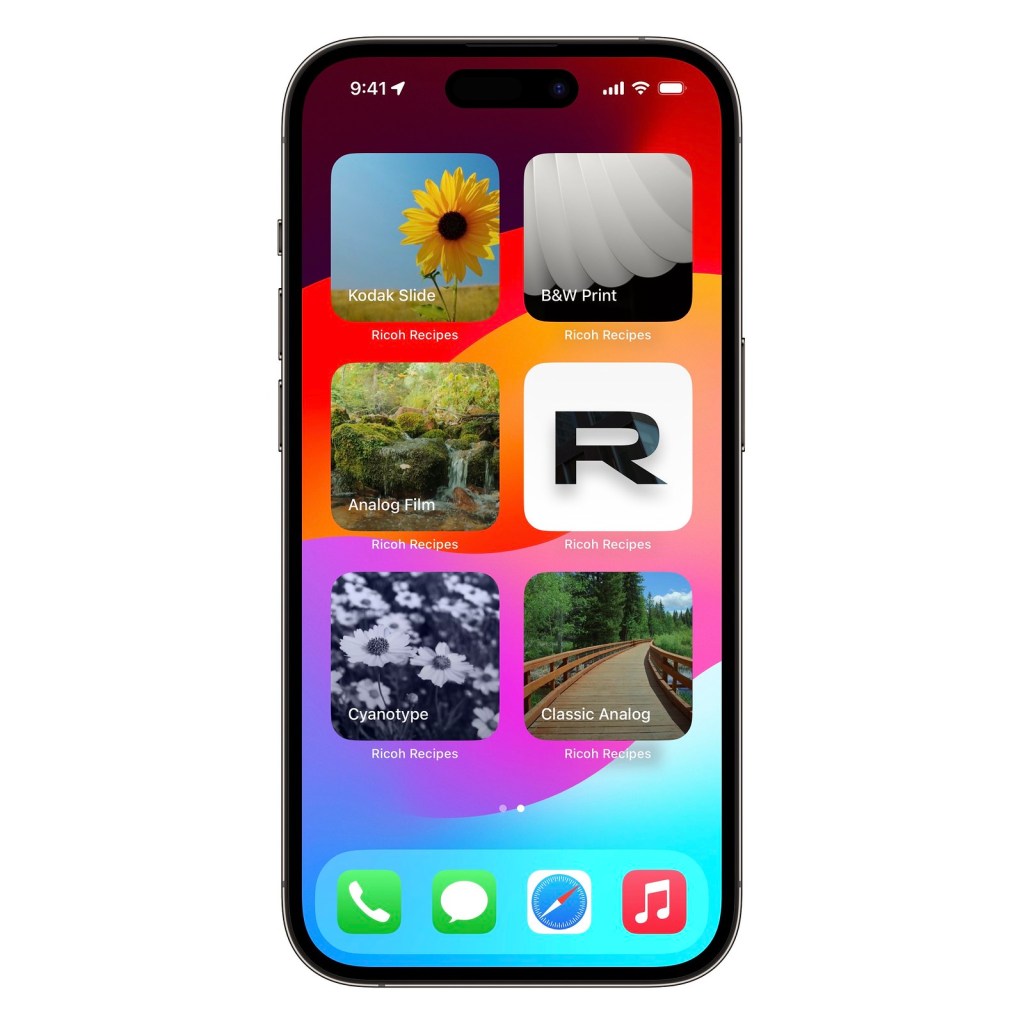
Introducing Widgets for Ricoh Recipes! This is a fun, new way to interact with the Ricoh Recipes App.There are three options: Recipe of the Day, Selected Recipe, and The Big R. These Widgets will soon take over your phone!
The Recipe of the Day Widget gives you a random Recipe each day. This is great if you’re not sure which one to use, or just want to try a different option. The Selected Recipe Widget is a shortcut to any Recipe of your choosing. Once you add this Widget, you’ll have to long-press on it and choose Edit Widget to select the Recipe you want to associate with it. The Big R is a larger Ricoh Recipes App icon, in case the standard-sized one is too small.
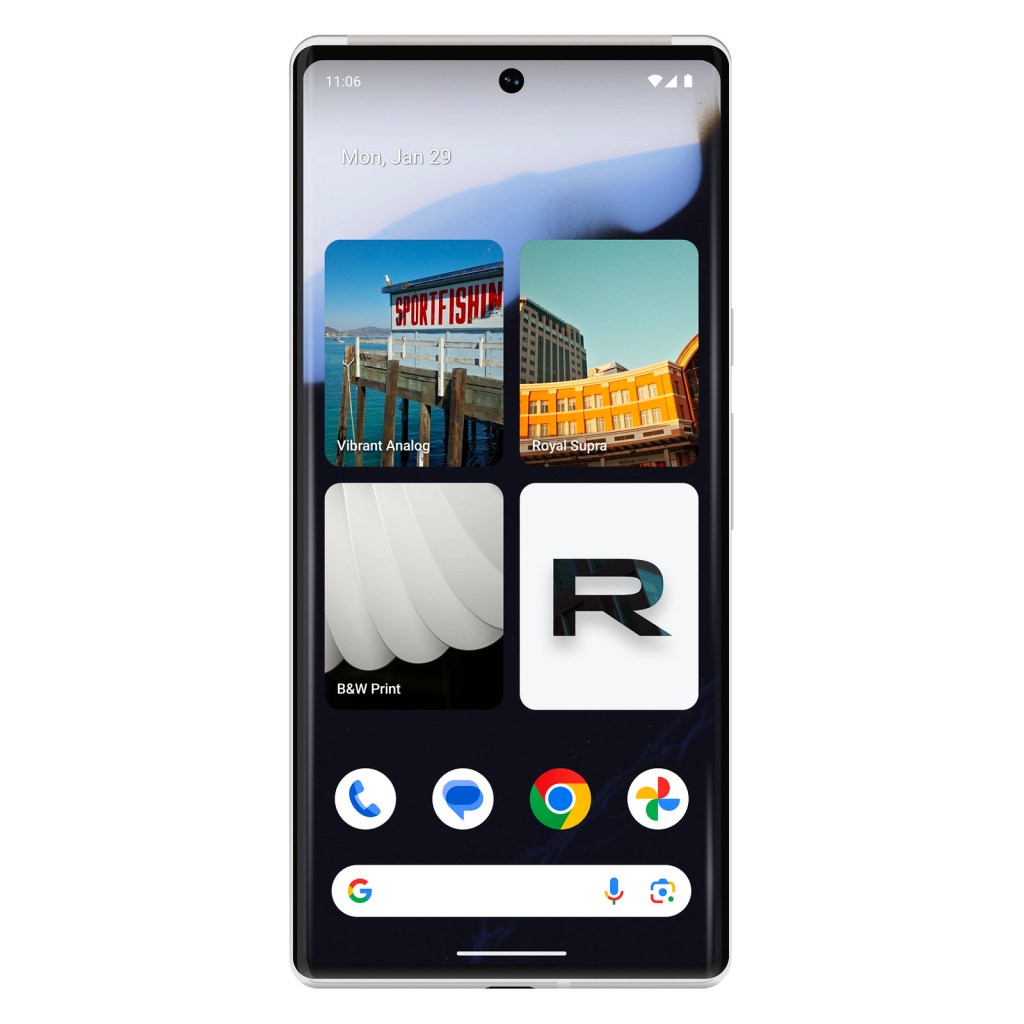
You can add as many Widgets as you’d like. You can have Recipe of the Day, The Big R, plus 10 (or more!) Selected Recipe Widgets if you wish. You can have page-after-page-after-page of Widgets if you want to—as many or as few as you think are helpful to you. If you are not sure how to add Widgets to your iPhone, click here; if you’re not sure how to add Widgets on Android, click here. Make sure that the Ricoh Recipes App has been updated, and that you’ve opened it at least once after the update and prior to attempting to add Widgets to your device.
Don’t have the Ricoh Recipes App? Download it for free today! Consider becoming a Patron to unlock the best App experience and to support this website.


 RITCHIE'S RICOH RECIPES